

What does the Copilot button on my laptop keyboard do?
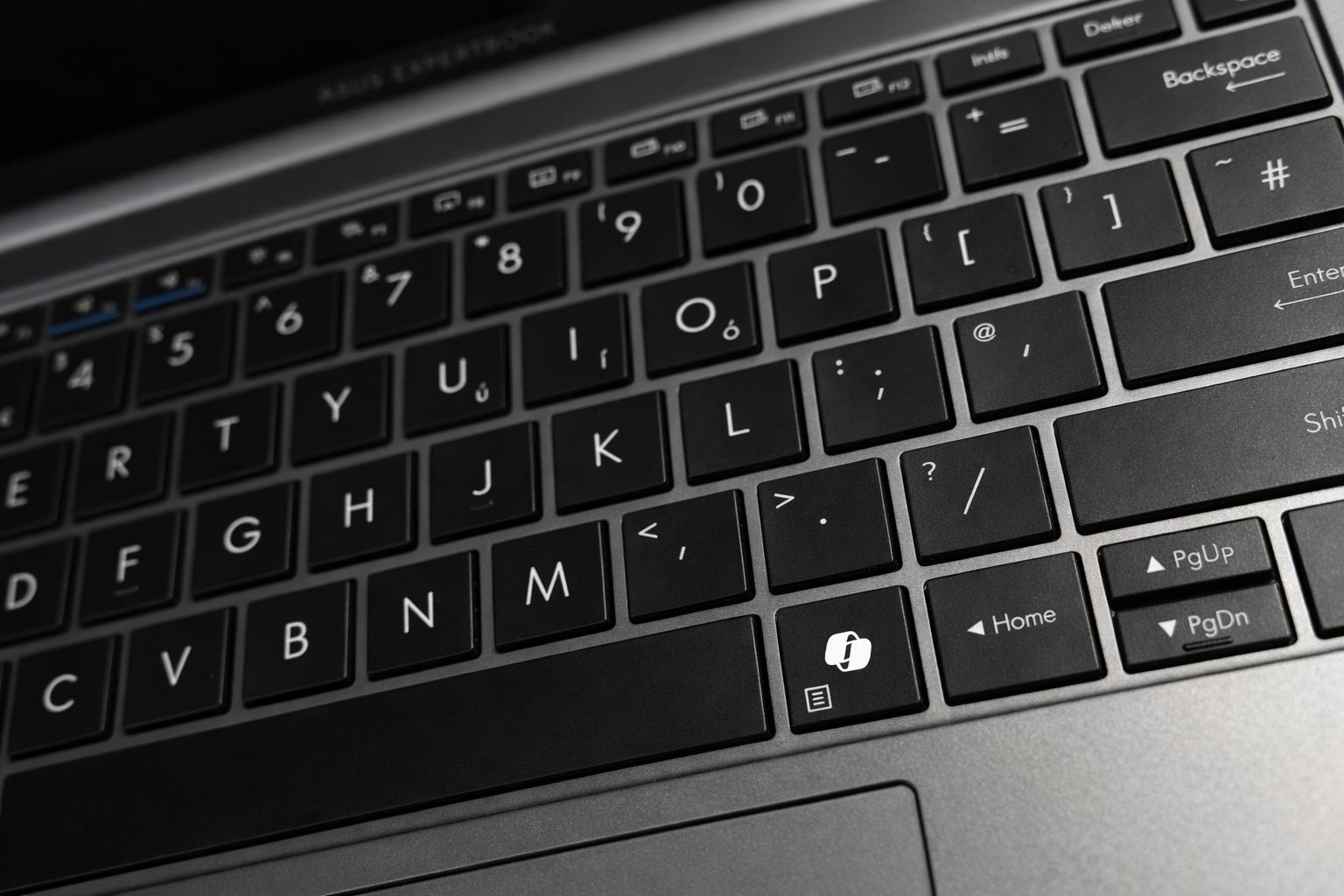
If you receive a new Windows laptop at work, or if you buy one for at home, you might notice a new button on the keyboard where you’re used to seeing the right-hand Ctrl key or the Menu key.
That new button is for Microsoft Copilot. Putting the power of AI literally at your fingertips.
But what actually is it and what does it do? Let’s take a look...
What is Microsoft Copilot?
Copilot is an AI assistant from Microsoft. You ask it questions, have it summarise your documents and meetings, generate content, and have it perform tasks for you with powerful agents.
What is the Copilot button on my keyboard?
The Copilot button is a new keyboard key that launches Copilot in Windows, replacing either the right Ctrl or Menu key, depending on the layout of your keyboard.
Pressing the key opens up Copilot instantly, allowing you to quickly access AI-powered assistance. Straight in the flow of your work, without needing to click through menus or open separate apps.
How to use the Copilot key on my keyboard
Whether you need help drafting an email, summarising a long document, or just want to spark ideas, Copilot is ready to help with a simple press of a button.
Here’s a quick guide how to get the most from the Copilot button:
-
Press the Copilot key once to instantly open Copilot in Windows
-
Type your question, request, or task into the Copilot window and hit Enter
-
Follow Copilot’s prompts or suggestions to complete your task efficiently
Using the built in Copilot key on your new laptop is a quick, seamless way to access AI-powered help and support without interrupting your workflow.
Want to get more from Copilot?
We've been helping people get more from technology for over a decade. We did it with the move to the Cloud, the rapid adoption of Teams, and now we're doing it for AI too.
If you want to get more from your Copilot licences, and ensure people are using it to its fullest potential, Hable are here to help.
